Artificial identities · Lyfera · 2026-11-26
Does changing DPI make an AI image ready to print?
A 300 PPI setting cannot replace missing pixels. Check image dimensions, resampling, crop and final placement before enlarging an approved portrait.
Changing an AI image’s resolution setting to 300 does not, by itself, give it more pixels or recover missing detail. If the pixel dimensions stay fixed, the setting changes how large those pixels are intended to print. Before enlarging or regenerating an approved portrait, check its actual width and height in pixels, the intended printed size and whether the editor is resampling it.
The distinction matters when an image already describes the right face, garment and expression. A file marked 72 PPI can contain enough pixels for a particular print. A file marked 300 PPI can still be too small for the requested dimensions. The number needs a physical size beside it before it says anything useful about the proposed output.
Read pixels and inches together
People often ask for a “300 DPI image” when they mean an image supplied at 300 pixels per inch, or PPI, at its final printed size. PPI describes the image pixels assigned to an inch; printer DPI describes the output device’s dots. A printer specification is not a request to create an image with that many pixels per inch.
Adobe’s explanation of printed image resolution separates pixel dimensions from the density used for printing. Without resampling, changing that density redistributes the same pixels over a different physical area. The calculation for each side is straightforward: divide its pixel count by the intended length in inches to obtain PPI, or divide by the target PPI to obtain its length in inches.
Consider a hypothetical portrait measuring 2400 by 3600 pixels. At 300 PPI it occupies 8 by 12 inches, or 20.32 by 30.48 centimetres. At 200 PPI the same pixels occupy 12 by 18 inches, or 30.48 by 45.72 centimetres. These are calculations for an invented file, not measurements or print tests of the photographs accompanying this article. The lower density spreads the available information over a larger surface.
Check whether the editor changes the pixel count
In Photoshop, Image Size offers a Resample option. Adobe’s print-dimensions instructions explain that deselecting it preserves pixel dimensions while physical size and resolution are adjusted. If you change 72 to 300 in that mode, watch the printed width and height shrink. There has been no resolution recovery hidden behind the new label.
If you instead keep both the physical dimensions and the higher PPI, the editor must produce more pixels. That is resampling. Read the resulting pixel dimensions before accepting the operation so that you know which of these two changes you have requested. Save a separate delivery copy rather than replacing the approved source with a sequence of enlargements.
A conventional enlargement estimates new pixel values. Some AI enlargement methods can also introduce plausible texture. Our guide to whether AI upscaling adds details covers the separate question of fidelity: a larger face may acquire a different eyelid, hairline or seam. Changing a density value without resampling does not perform that reconstruction. Deciding to reconstruct detail requires its own review against the selected original.
Use the crop and placement that will actually print
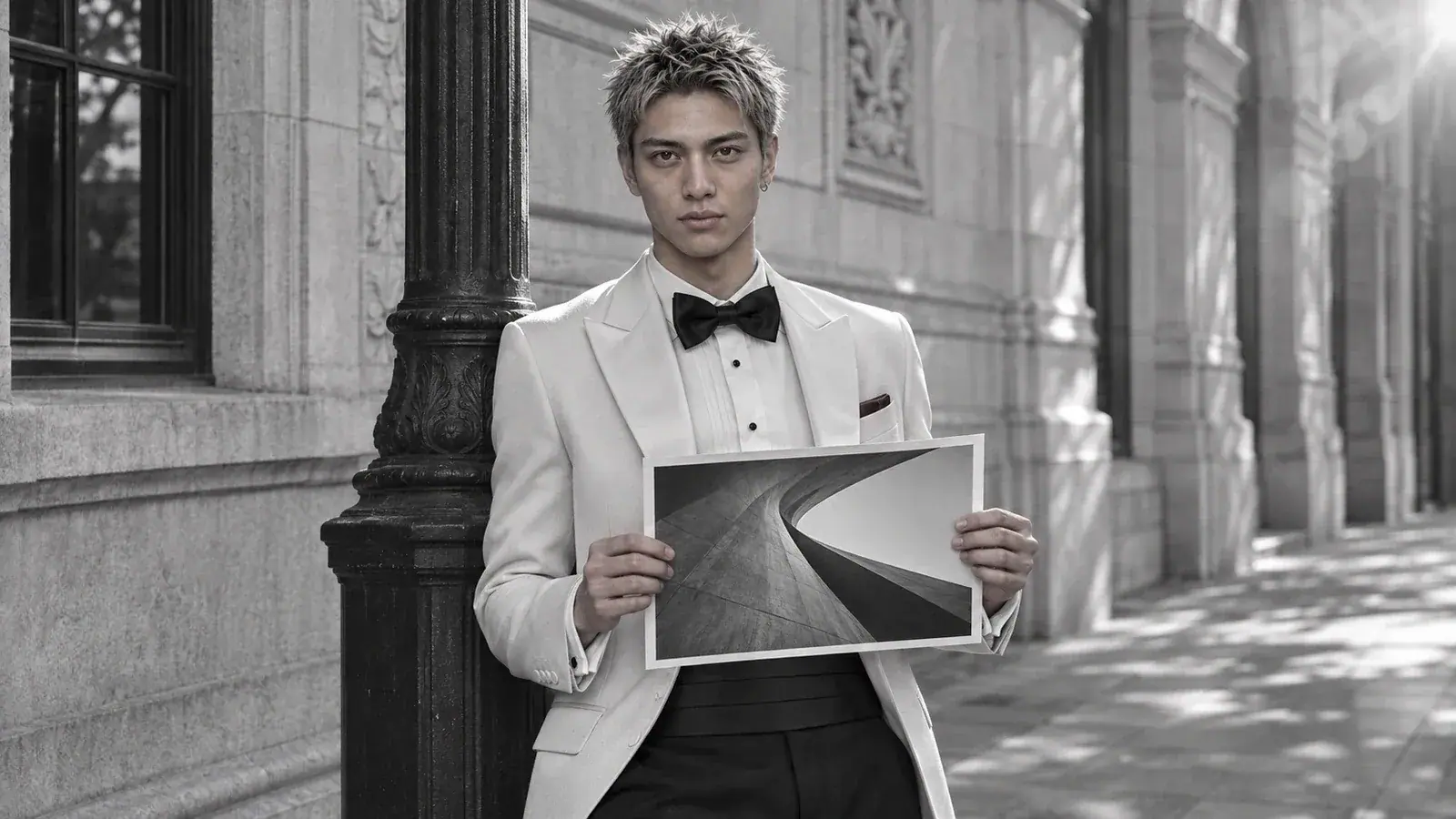
Imagine a separately commissioned poster featuring Tae-oh Lim, an artificial talent from the Lyfera roster. Suppose its selected portrait has the hypothetical 2400 by 3600 pixel dimensions above. A designer crops it to 1800 pixels across to remove an unwanted edge, then places the remaining image 10 inches wide. Its effective density across that placement is 180 PPI. The original file’s 300 PPI setting cannot restore the pixels discarded by the crop.
Placement can change the result even without a new crop. The complete 2400-pixel width placed at eight inches gives 300 PPI; placed at twelve inches it gives 200 PPI. Adobe’s account of print scaling describes how scaling in the Print dialog changes the output resolution while preserving the document’s pixel dimensions. Check the final placement rather than relying on a value read before layout.
Keep the proportions deliberate too. If the paper shape differs from the image, fitting the complete portrait may leave margins; filling the sheet may require cropping. Stretching width and height independently can distort the face. Decide which composition the print needs, then calculate density from the pixels that remain. The imagined photographs of Tae-oh illustrate handling an image and a folio; they are not evidence of a print service or a controlled resolution comparison.
Ask for an output requirement, then review a proof
A request for 300 PPI is useful when it names the final dimensions and the supplier’s requirement. It is not a universal assurance of sharpness. Paper, output process, viewing distance and the source image itself affect what a viewer sees. Ask the printer which dimensions, file format and image density it expects before creating a larger copy. If the available pixels fall short, a smaller placement may preserve the approved image more faithfully than an aggressive enlargement.
Inspect a delivery copy at actual pixel size and review the final crop at its intended scale. A representative physical proof is the way to judge this particular output; these calculations cannot certify one. Fine fabric can also change during resizing, a problem discussed in our guide to moiré in resized AI images. Check it alongside the features that make the talent recognisable.
The useful delivery description joins the facts together: pixel dimensions after cropping, intended printed dimensions and any resampling applied. With those visible, “300 PPI” becomes a checkable relationship rather than a promise that a setting has improved the picture.