Artificial identities · Lyfera · 2026-11-17
How to fix a jump in an AI video loop
Compare motion across the join to find what makes an AI video loop pause, jump or reverse, then check the exported file.
To fix a jump in an AI video loop, put two copies of the clip back to back and watch the join at normal speed. Step through the last few frames of the first copy and the first few frames of the second. Follow the same moving detail across the join and compare it with a point in the scene that should stay fixed. Remove a verified duplicate endpoint, move the cut to a better match, or revise the action if the direction or speed changes at the repeat.
Compare the frames on either side of the join
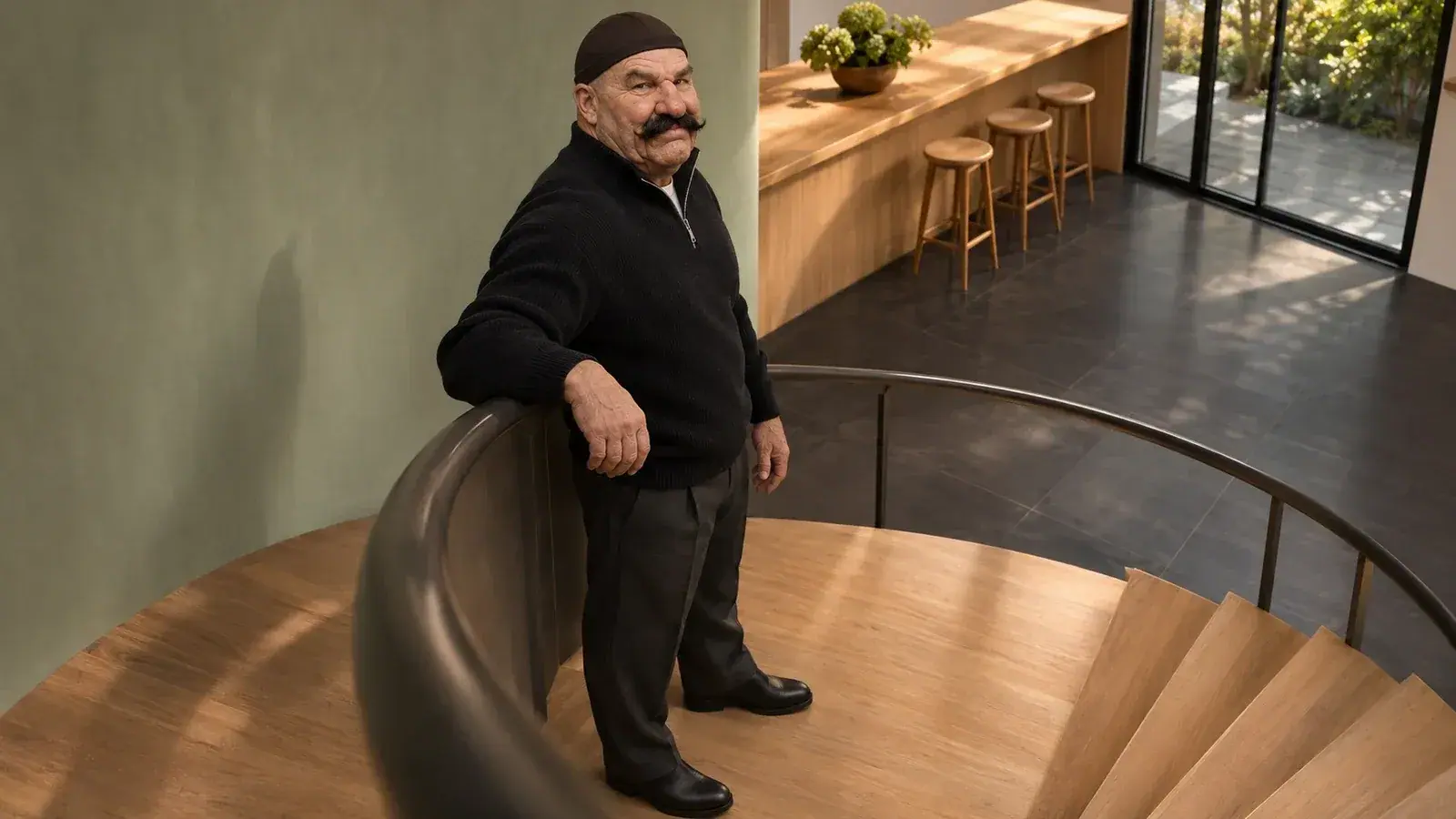
Pick a moving landmark that stays visible, such as a wrist, a coat cuff or a mark on a rotating object. Then choose a fixed landmark, such as the edge of a doorway. In the imagined photograph of Otto Kranz on the staircase, the curve of the rail gives the eye a stable reference. In a hypothetical locked-camera clip, you could use it to judge whether a passing hand moved smoothly or the camera shifted at the join. If the rail moves as well, check framing or camera motion before trimming the hand’s movement.
Matching the first and last pictures is a useful starting point. Motion has to reach that match from one side and continue from the other. Imagine a hand passing a fixed point on a rail. It arrives moving to the right in the final frames and moves to the left in the opening frames. The endpoints might show the hand in the same place. Played twice, the person appears to reverse direction there. If the scene calls for an intentional reversal, the frames around the turn need to show the deceleration and change of direction clearly.
Work out whether the clip pauses or jumps
In the accompanying turntable still life, the small mark on the record gives a hypothetical test an obvious moving detail. At a constant playback rate, imagine that the mark moves from 10 o’clock to 11 to 12 as the clip ends. The copy begins at 12, then moves to 1 and 2. Played end to end, the two consecutive appearances at 12 hold the mark for an extra frame. Test removing one of the two matching frames and keep a copy of the untrimmed clip. The hold is easier to diagnose when the other landmarks also line up and there is no change in camera position.
Animation software makes a related distinction. The Blender manual’s description of a cyclic action puts a duplicate of the initial key one cycle later in the authored frame range. That key describes where the action returns. When you edit a clip for playback, check what happens when the displayed last frame is followed immediately by the displayed first frame. Treat the duplicate as an export question and inspect the actual result.
A jump can also happen when the positions match but the spacing changes. If the mark creeps toward 12 and sweeps straight past 1 on the next frame, the visible change is in speed. Look for a different pair of cut points where the spacing and direction are closer. When working with a person, include details that may lag behind the body, such as a loose sleeve or a swinging bag. They have to make sense at the same cut.
Plan a repeat the action can sustain
If the clip has no stretch of motion that joins cleanly, simplify the action before another generation. A small recurring gesture with a steady camera gives you fewer things to match than a walk, a push-in and a turn happening at the same time. Decide which state should return and what viewers should see immediately before and after it. The Journal’s guide to choosing a starting image for AI video looks at what a still needs to make the action readable. A loop adds a requirement at the other end. The scene needs a plausible way back to the same state.
A short dissolve may soften a small change in light. On a recognisable face, a hand or a garment edge, inspect the overlap for a second outline. Reversing the clip can work if the movement is meant to go both ways. Hair, fabric or a falling object might give away a reversal even when the main gesture looks smooth.
Check the delivered file
Export a version with the intended framing and frame rate, then play two copies of that file in sequence. If the joined file plays smoothly but a particular player pauses when replaying a single copy, test the delivery player separately. Use headphones if the soundtrack is also meant to repeat. A clean visual join can still be accompanied by a break in room tone or in the music. Before approving the shot, watch the repeat several times without stepping through it. The last decision belongs to the motion the audience will see.