Artificial identities · Lyfera · 2026-11-09
Does AI upscaling add details that were not in the original?
How to review an AI-upscaled image for changes to identity, clothing and meaningful details.

AI image upscaling can produce a larger image and, depending on the method, generate plausible detail that was not visible in the source. A sharper result is not automatically a more faithful one. If a face, garment or meaningful object must stay consistent, compare the enlarged image with the original before accepting it.
This distinction matters for artificial characters as much as for photographs. The source may already be a creative image rather than a record of an event, but its specific features can still be decisions worth preserving. The question is whether the enlarged version serves those decisions or quietly changes them.
More pixels do not prove more information
A conventional resize estimates new pixel values from the existing image. Some AI-based super-resolution methods use learned patterns to produce a detailed-looking result; different systems and settings behave differently. When the source does not contain enough information to determine a fine detail, a plausible reconstruction is not proof of what that detail originally was.
Wikimedia Commons' guidance on upscaling makes a related distinction for images used as documentary material: enlarged detail can be misleading when it is treated as evidence. The concern is not that every enlargement invents the same things, but that an output should be judged according to its purpose and source.
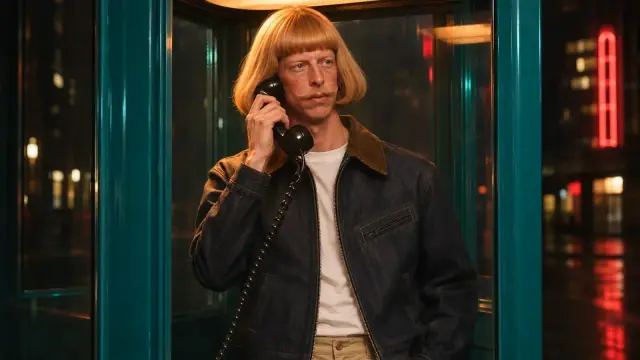
For example, imagine a small portrait of Nao Kisaragi in which the stitching on a dark coat is indistinct. An enlargement might make the fabric look more defined while suggesting a seam that the source does not resolve. That hypothetical seam could be an acceptable creative choice, but it should not be presented as a recovered design detail.
Compare meaning before texture
Keep the source and the enlarged file separately. First compare their overall composition at a similar displayed size: check face shape, gaze, gesture, silhouette and the position of objects. A dramatic increase in pixel count can distract from a small change in expression or a shifted hand.
Then inspect areas that carry identity or design. For a character, those might include distinctive markings, freckles, hairline and eye shape. For clothing, look at closures, seams, pattern placement and the boundary between layers. On a wider architectural image, look for invented lettering, altered railings or details that imply a different object. These are review questions, not a claim that a particular tool will make a particular error.
Finally, view the image at its intended size and crop. A detail that looks persuasive at high magnification may disappear on a phone, while an altered silhouette can remain conspicuous. Compare a simple conventional resize as a baseline if useful; it may look softer, but it provides a different reference for deciding how much interpretation is acceptable.
Decide what must stay fixed
The acceptable amount of change depends on the brief. A speculative illustration may welcome new texture. A campaign showing a real garment, a historically significant image or a character with established features needs a more cautious review. Where there is a trusted higher-resolution original or design reference, consult it; a low-resolution file alone cannot verify an invented fine detail.
Our guide to AI fashion images and garment fidelity looks at preserving clothing during image creation. Upscaling is a later decision: it asks whether an already chosen image still communicates the same design after enlargement. Likewise, character consistency concerns identity across images; a source-to-output comparison checks what changed within one image.
If an alteration matters, retain the original, record the decision and use a version that better fits the brief. A larger file can be useful. Its size alone cannot establish that newly visible detail is accurate.