Artificial identities · Lyfera · 2026-11-11
How to fix text in AI-generated images
A practical review of spelling, readability and identity when correcting text in generated images.
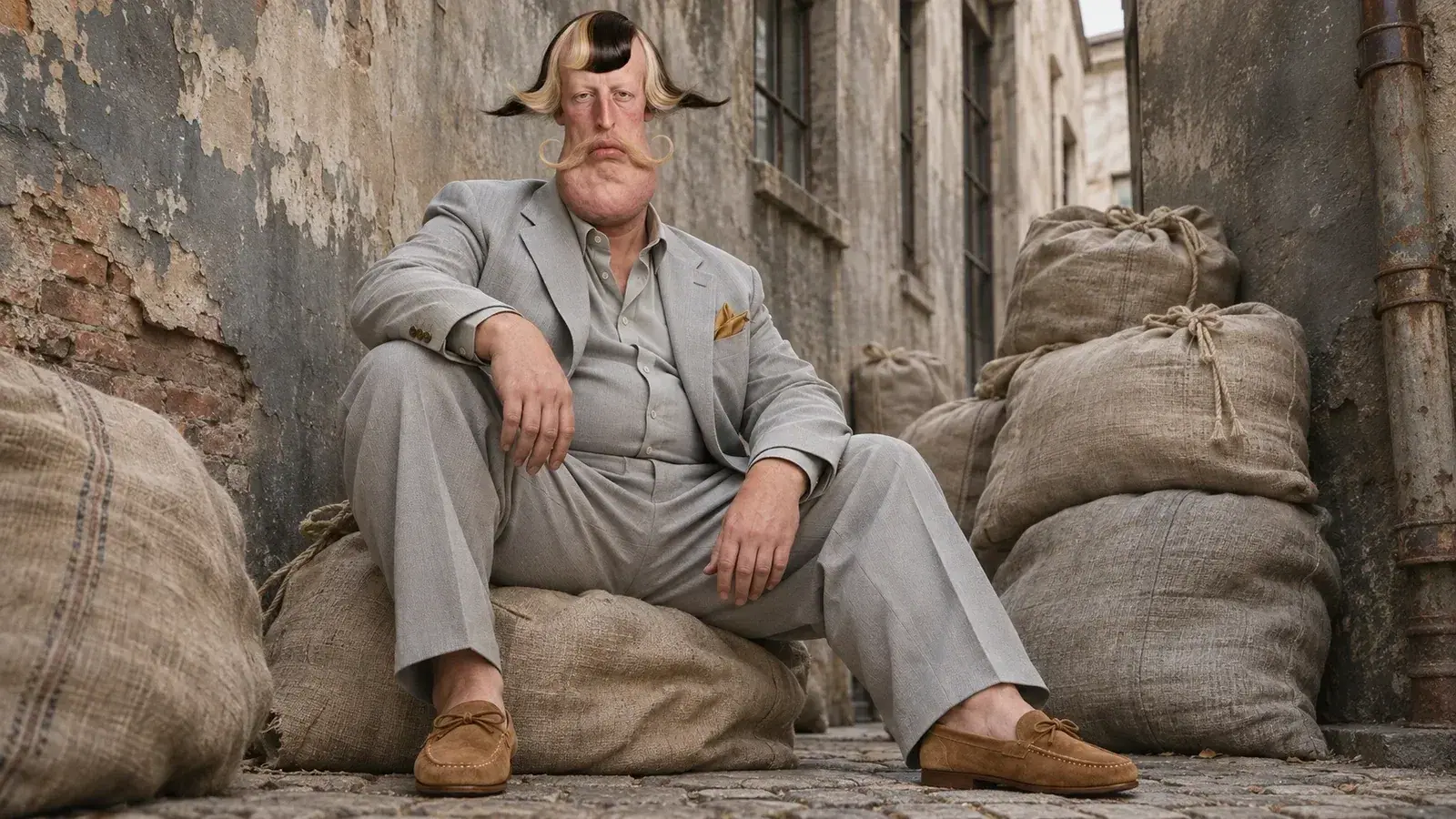
If text in an AI-generated image is misspelled, blurred or inconsistent, first decide whether the words must be part of the pictured scene or can be added as a separate design layer. Check the source wording, inspect the output at its intended size and correct errors before using the image. A local edit can preserve more of the surrounding composition, but it still needs review; results vary by tool and image.
For a campaign with an artificial character, the words are only one part of the brief. The face, clothing, composition and legibility may all matter. A correction that improves a title but changes the character or a garment is not necessarily an improvement to the final work.
Decide which words must be exact
Keep a copy of the approved text outside the generated image. Compare every letter, punctuation mark and line break against that source. Names, dates, prices and legal copy deserve particular care because plausible-looking text can still be wrong. Read the image at both full size and the size at which an audience will see it.
A 2025 benchmark of text-to-image systems examined specialised text in selected models and found problems with accuracy and formatting. The study reflects its models, prompts and test conditions rather than every current generator. It supports a practical distinction: an attractive image and correct written information are separate things to check.
Choose a correction that fits the scene
If a phrase is part of a flat poster or social graphic, placing the approved words as an editable layer in a design tool can make spelling and later changes easier to control. If letters must appear painted on a curved surface or integrated into fabric, a local image edit may be more appropriate. Inspect edges, perspective and texture afterwards. Neither approach automatically makes every result correct.
Imagine a fictional portrait of Bram Veld intended for a poster. The picture itself can remain free of words while a designer places a title in a separate layer. If the brief instead calls for writing on a wall inside the scene, the editor has to check whether the text follows that wall and remains readable. These are hypothetical examples, not evidence of a particular tool test.
Review the whole image after the fix
Return to the approved reference and compare the entire composition, not only the corrected letters. A local or regenerated edit may also alter a face, a hand, clothing or the background. If the change affects an identity feature, the team should decide whether the output still serves the brief. Keep the original and corrected versions so the decision can be revisited.
The guide to garment fidelity considers details in clothing, while the guide to keeping a character recognisable addresses identity across images. Text review adds a separate question: are the exact words readable and trustworthy in the finished design? Human proofreading and a final check at delivery size remain part of the work.