Artificial identities · Lyfera · 2026-11-07
How to Review Hand and Object Continuity in AI Image-to-Video
A practical way to review contact, occlusion and grip in an AI image-to-video shot without treating a still as proof of motion.
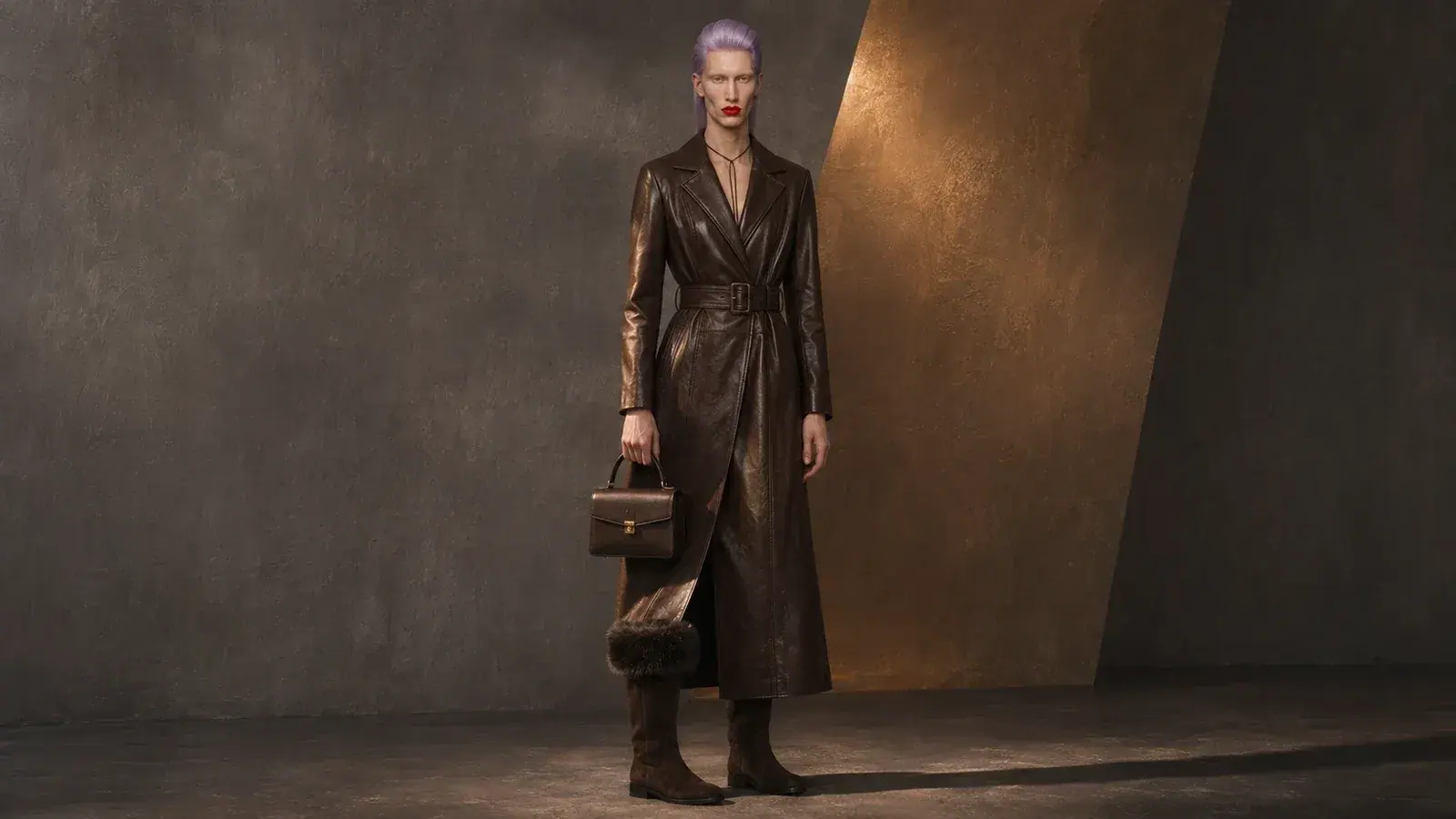
A convincing AI image-to-video clip needs more than a strong first frame. When a character reaches for an object, the eye follows a chain of small relationships: fingers approach a surface, contact is made, the object responds, and the grip changes or releases. A single frame can look persuasive while the movement between frames tells a different story.
Reviewing that chain is a practical editing task. It does not establish which model is best or guarantee a repair. It helps a creative team decide whether a shot supports the intended action, whether it needs a different edit, and which specific relationship deserves attention if the shot is made again.
Begin with the action, not the prettiest frame
Write one sentence describing the intended physical action. For example: in a hypothetical shot, Lyfera talent Elian Voss picks up a small bag by its handle and carries it a short distance. The example is a proposed scene, not a record of an event or a test performed by Lyfera.
Now break that action into stages: approach, contact, transfer of weight, movement and release. Watch the shot once at normal speed. Then pause at each stage and scrub through the transitions. The question is not whether every frame is photorealistic in isolation; it is whether the viewer can follow the same hand, object and action from one moment to the next.
A research paper on hand-object interaction video generation identifies contact and occlusion as difficult aspects of the problem. Its proposed method and results belong to the paper's own experiments; they should not be treated as a benchmark for every commercial tool or every kind of footage.
Check the first point of contact
Look at the moment the fingers first touch the handle. Is there a visible gap? Does a finger pass through the material? Does the handle suddenly appear on the other side of the hand? Some ambiguity is normal in motion blur or a deliberately obscured angle, so check the frames immediately before and after the apparent contact as well.
Next, ask whether the object responds to the movement. If the hand rises but the handle stays fixed, the connection may feel broken. If the bag moves before the hand reaches it, the shot may imply a different action from the one intended. A plausible delay can depend on the material and weight imagined for the object; there is no universal frame count that proves a shot is correct.
Follow the object through occlusion
An object can be partly hidden by a sleeve, a hand or the edge of the frame. When it reappears, compare its shape, orientation and visible details with the preceding frames. A handle that changes its attachment point or a clasp that moves to another side can draw attention away from the gesture. Keep in mind that a changing viewpoint can legitimately reveal a previously hidden surface.
This is where the initial image and the finished clip answer different questions. A carefully selected still can make the intended gesture readable, as discussed in choosing a starting image for image-to-video. It cannot by itself establish what the intervening frames will contain. The review happens after motion exists.
Look at the grip and the release
A grip is a relationship, not just a collection of fingers. Check whether the same part of the handle remains supported as the wrist turns, and whether the hand and object move together in a way that matches the imagined action. Look for fingers merging into the object, changing count, or appearing through a solid surface. Do not assume that a hidden finger has disappeared; examine the angle and surrounding frames.
At the end, watch what happens when contact ends. If the character puts the bag down, does its base meet a surface before the fingers let go? If the shot ends while it is being carried, does the handle remain connected up to the cut? A clean edit can avoid an unresolved action, but it should not imply that a completed interaction was shown when it was not.
Decide what the shot needs
Not every irregularity has the same editorial cost. A small change outside the focal area may be acceptable in a fleeting transition. A broken grip in a close-up whose purpose is to show that grip is more consequential. Review the clip in the sequence where it will appear, at its intended display size and speed, with any neighboring shots. A pause and an enlarged frame are useful diagnostic tools, but the final judgment belongs to the actual viewing context too.
Record the issue precisely: “the handle changes sides as the wrist turns” is more actionable than “the hands look wrong.” Then choose whether to keep the take, adjust the edit, or prepare another attempt using the production's existing workflow and constraints. No single prompt or review checklist can guarantee consistent physics. What this process offers is a clear way to connect a visible problem to the creative decision it affects.