Artificial identities · Lyfera · 2026-11-12
How to fix hands in AI-generated images
A practical guide to reviewing and correcting hands while preserving character identity and context.
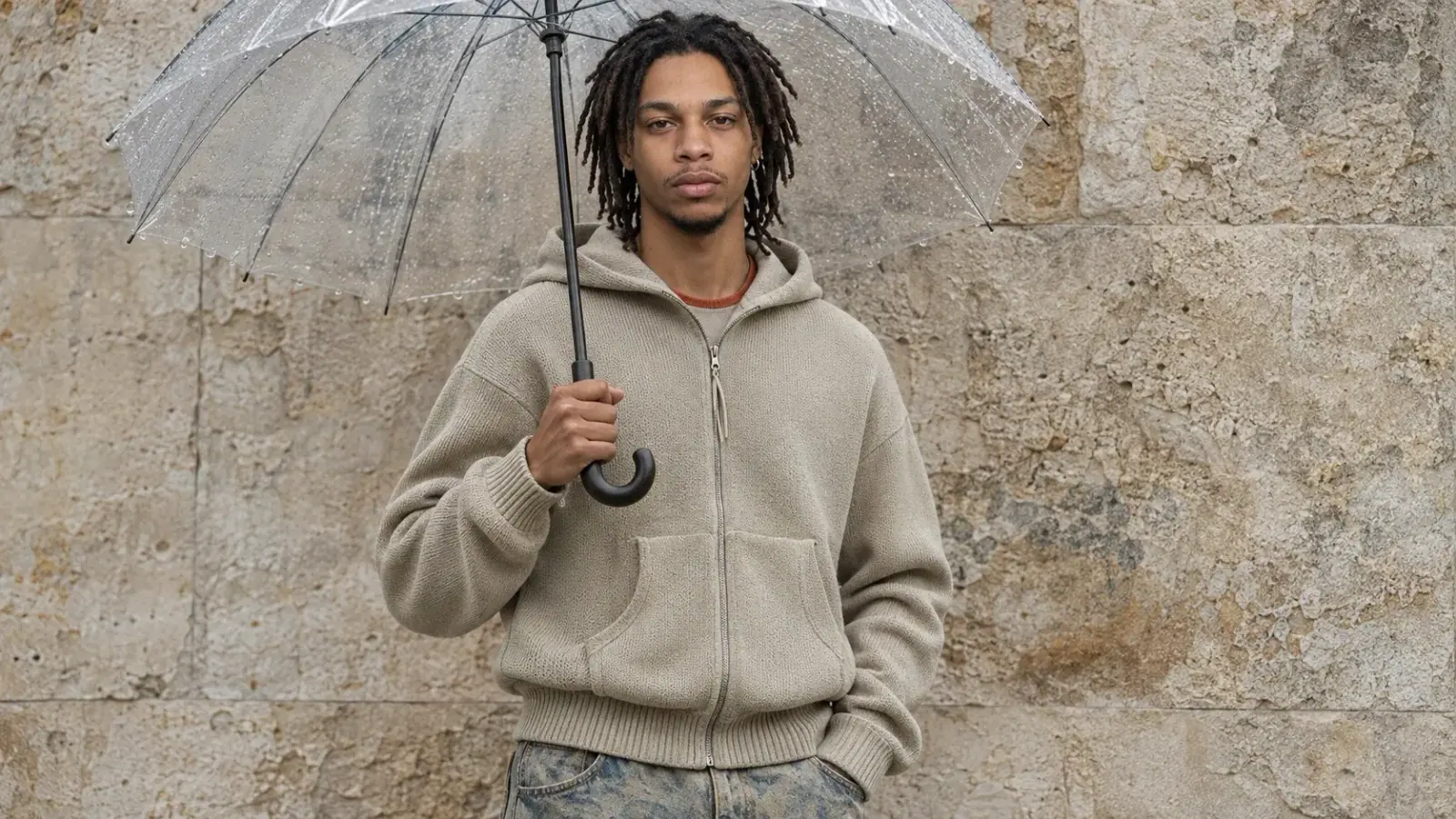
To fix a hand in an AI-generated image, first identify what is wrong: the anatomy, the gesture, the contact with an object, or the relation to the rest of the body. A local edit may repair one area while keeping much of the image, but it can also change a sleeve, an accessory or the object being held. Compare the result with the original and any approved character references before treating it as finished.
Hands carry more than anatomical detail. They can explain whether a person is carrying a bag, presenting an object or simply resting. A hand that appears convincing at thumbnail size may become confusing when the image is enlarged: a thumb disappears into a handle, fingers merge into a sleeve, or the object seems unsupported. The issue is not always the number of visible fingers. A real hand can hide some digits behind an object, and the correct question is whether the visible parts belong to a coherent gesture.
Start with the action
Consider a hypothetical fashion image in which a character holds a narrow bag handle. The art director wants the bag to hang under its own weight, the sleeve to stop at the wrist and the face to remain recognisable. Before editing, look for the path from shoulder to elbow to wrist, then follow the palm and the visible fingers around the handle. Check where the handle enters and leaves the grip. If the hand and handle overlap without a plausible contact point, sharpening the image alone will not make the action clearer.
This is a spatial problem as well as a rendering problem. Research on generating hand and object interactions separates an interaction layout from the synthesis of its visual details. That research concerns a specific method and setting; it does not establish how every current image generator behaves. It does, however, illustrate why a plausible grip involves both the hand and the object rather than a hand considered in isolation.
Decide what the edit must preserve
Keep an untouched copy of the image, the approved reference and a short description of the intended gesture. A local editing tool can be useful when the surrounding composition is already working. Include enough of the wrist, sleeve and object in the area being edited to give the correction context, then inspect those boundaries afterwards. A mask that is too narrow can leave an awkward seam; a broad edit can change the object or clothing along with the hand. The precise behaviour depends on the editor and its settings, so neither outcome is guaranteed.
Describe the action in ordinary physical terms. “A hand holds the handle with fingers curled around it” provides a relationship to inspect, while a generic demand for perfect hands leaves the gesture unspecified. If you have a reference you are entitled to use, choose one that shows a comparable grip and viewpoint. A reference is a guide, not proof that the generated hand or object will match it, and a borrowed person's appearance or identifying details should not be transferred inadvertently.
Some errors are better addressed by changing the composition. If the hand is tiny, obscured by a complicated prop or crossed over another limb, a wider edit may still struggle to preserve the intended geometry. A different angle, a simpler action or more room around the gesture can make the image easier to judge. That is a creative decision: removing the hand from view is useful only if the gesture is not needed to tell the story.
Check the result at more than one scale
Inspect the edited area at a useful enlargement, but return to the intended display size too. A plausible close-up must also read clearly in the whole composition. Look for the direction of the wrist, fingers that connect to the palm, believable points of contact, and shadows that place the object against the hand. Check the other hand and surrounding edges as well: a local change can introduce unexpected details nearby. If the image is intended for motion, a convincing still is only the starting point; reviewing hand and object continuity across a video requires checking what happens over time.
The appearance of a hand is also part of an identity. A ring, a particular skin marking or a distinctive mechanical joint may be intentional rather than an error. Compare the correction against the approved source before removing a detail. In an imagined editorial portrait of Lyfera talent Celso Tembe, for example, the task is to preserve the character's established appearance while making the gesture legible, not to infer an experience or claim that an event took place.
Research on restoring malformed generated hands describes a method intended to limit changes outside the repaired region. It is a research result, not a promise about a particular product or an automatic guarantee of correctness. Human review remains the step that connects the edited hand to the brief, the object's construction and the character's approved identity.
If the result still cannot support the intended action, keep it as a rejected version and reconsider the pose or production method. A usable image is not one that merely passes a finger count; it is one in which a viewer can understand what the hand is doing without losing the person, garment or object that made the image worth keeping.