Artificial identities · Lyfera · 2026-11-16
How to review a mouth-shape error in AI lip sync
Use the sounds around one suspect word to find whether a local lip-sync error comes from the generated shot, the edit or the export.
When one word looks wrong in an otherwise synchronized AI video, check whether the mouth makes the movement that word requires. Use a clear sound on either side of the suspect syllable to test the surrounding timing. Then compare the same short passage in the original generated file, the edit and the export. That gives you somewhere specific to look before you move a track or replace a take.
Listen for the sound before looking at the frame
Take an imagined line for Lyfera talent Alistair Sinclair, “Bring me the blue map.” The two initial sounds in “bring” and “blue” are useful bookmarks. Between them, the opening of “me” gives you another movement to look for. In English, /b/ and /p/ normally involve closing the lips before release, and /m/ also uses the lips while air passes through the nose. The Education University of Hong Kong's phonetics material shows why a burst in the waveform is a poor marker for the instant the lips first meet. Closure precedes the release. Look at a short run of frames around the sound and judge the transition into the following vowel as well.
Suppose you can see both /b/ closures in the imagined clip, but the lips stay visibly apart through the /m/ in “me”, even in nearby frames. Moving the whole track would also move the two places that already line up. Compare that with a clip where all three mouth movements exist and arrive systematically early. A single timing change is worth testing in the second case. If the separation grows over the clip, look at the timebase, track duration and any speed changes before shifting the entire audio track. At a constant 25 frames per second each frame represents 40 milliseconds, so treat an individual frame as a sample of the movement. There is no need to assign a precise offset to one syllable you can barely see.
Find the first version that shows the error
Play the unedited generated file locally, using the speech it was paired with, and mark the syllable by ear. Repeat the check in the edit and then in the exported file. Use the word and its neighbouring sounds as landmarks, since timecode can change after a trim. If the loss of closure is visible in all three, a timeline adjustment has little to fix. If the generated file looks sound and the error first appears in the timeline, compare the exact dialogue take, trims and playback speed on that section. If the export is the first version to show a problem, check that file in a second player and compare the rendered audio and pictures with the timeline. Keep the original take available throughout.
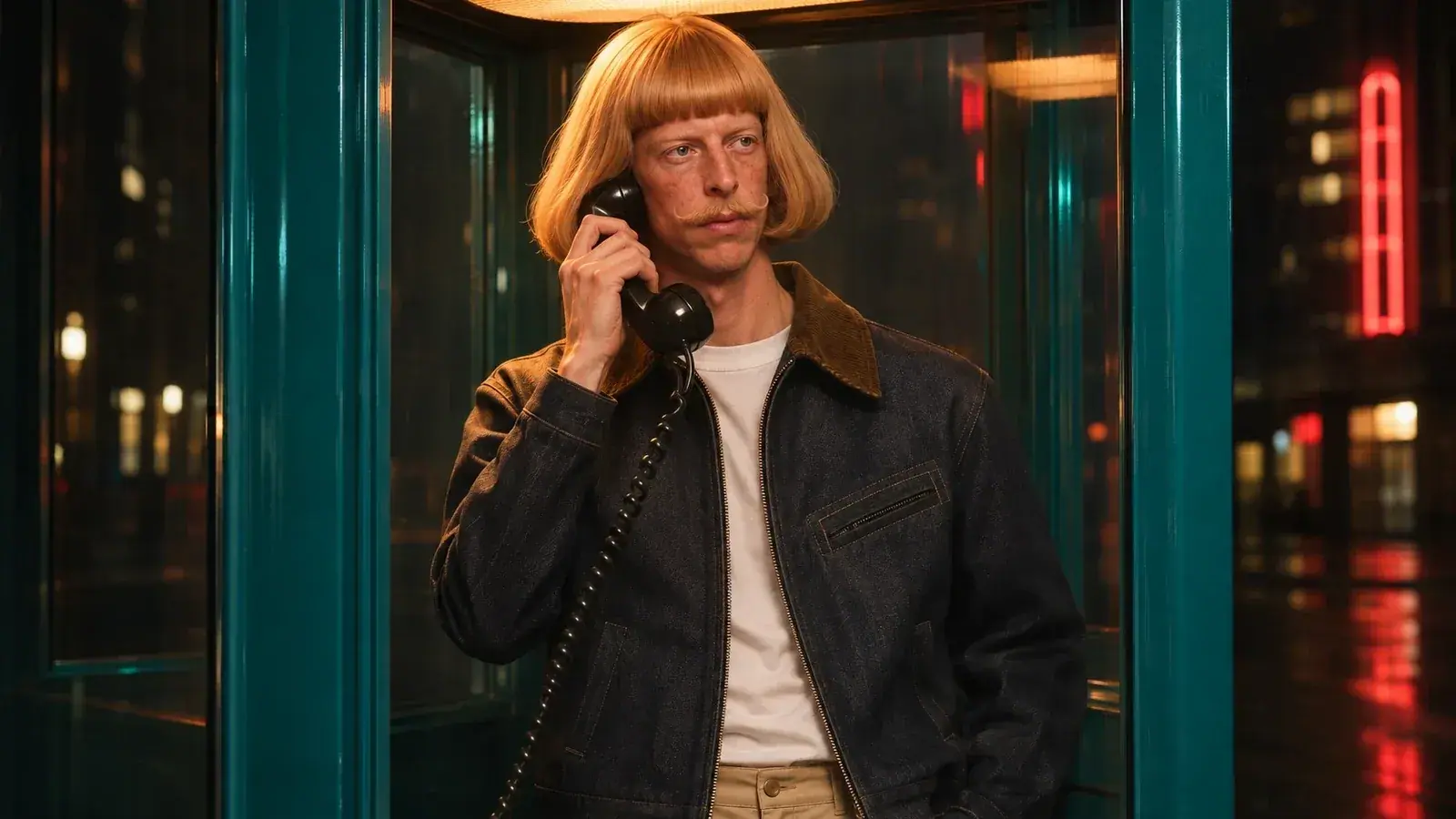
The photograph of Alistair in profile suggests another question to ask before marking a failure. Can you actually see the near lip edge at delivery size? A dark or partly hidden mouth may make a closure hard to judge. If the movement is unclear, look at that same area in the larger source once. Then go back to the intended viewing size. A defect visible only under magnification has a different editorial cost from a word that distracts at normal playback.
Keep the delivery while you change the picture
In the example, the take might already carry the right urgency. Save the approved audio and decide how much of the picture needs to change. If a replacement is practical, request or choose one that covers the full phrase, with enough picture before and after it to make a clean cut. Compare the new take against the same audio and inspect the jawline, cheeks and expression on both sides of it. Work such as the Wav2Lip research paper evaluates agreement between speech and visible mouth motion as a specific problem. A repair must also hold together as a shot, with the person still recognisable and the expression continuous.
If the line belongs over another view, an imagined cut to a listener reacting to “the blue map” could preserve the reading and give the words somewhere to land. Let the listener's attention motivate the cut. Keep the start and end of the spoken phrase intact, and listen again across the edit so a change in picture does not accidentally become a change in pace. Our essay on voice and performance takes up that question of what a line is trying to do. Here the release check is whether the final export lets the audience hear that intention without being pulled away by a distracting movement.